Slot Grind Playtime Checklist
One sitting, one list �?campaign milestones, debt payments, and achievement leftovers without spreadsheet tabs.
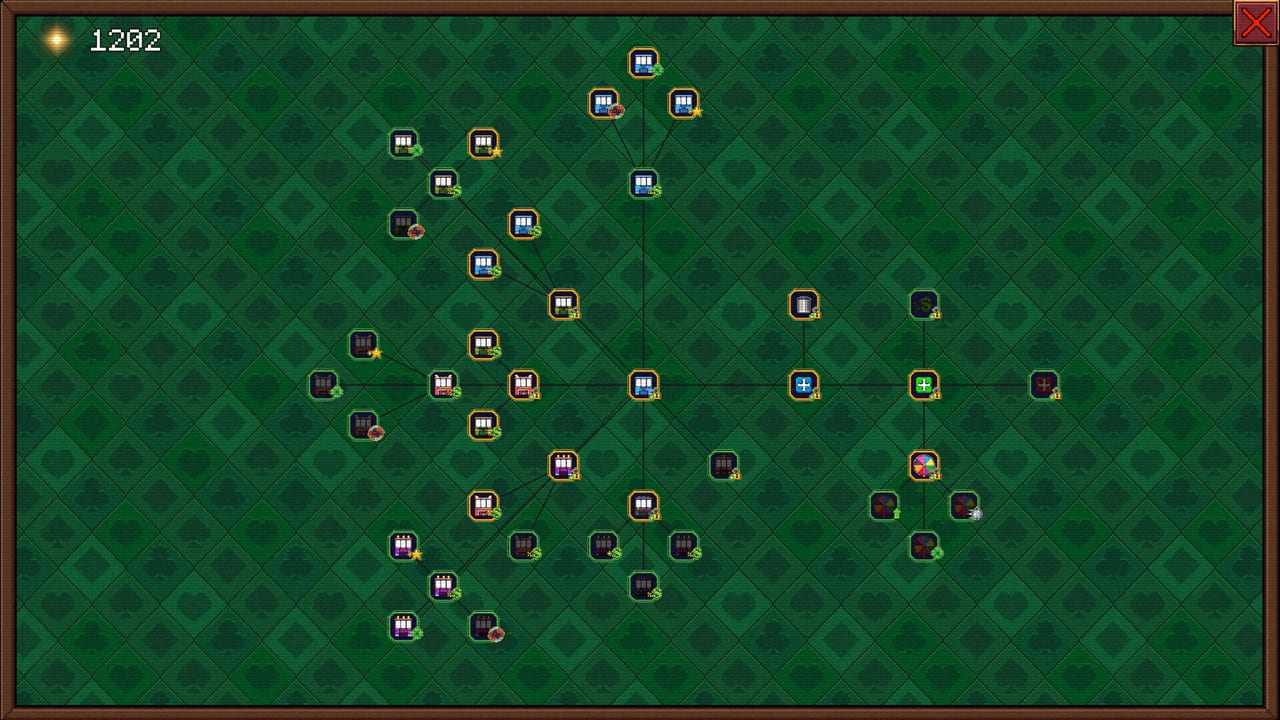
Slot Grind’s full campaign lasts about one to three hours, but twenty-six Steam achievements and optional gamble routes can push a second session. The Playtime Checklist tracks what you have finished in one browser view �?machines bought, automation coverage, debts cleared, and trophy bands from Achievements List �?so you never wonder “did I already unlock Synergy?” mid-run.
Use it on a fresh save alongside Early Game Walkthrough, during Debt Payoff Walkthrough prep, or after credits when routing Hard Achievements.
What the Checklist Tracks
The interactive list groups milestones into five bands that mirror wiki walkthroughs:
- Opening �?Second machine, first $1,000, Multiply and Power unlocks (Getting Started!, First Earnings).
- Mid-campaign �?Automation modules, Fruit and Synergy slots, $1M lifetime, Fortune Wheel room (Fruit rush!, I’m a Millionaire!).
- Floor mastery �?Full room, Min-Maxing tiers, True Power capstone (Full house!, True power).
- Debts �?Major ledger payments through final clearance (How to Pay Off Debts).
- Optional hunt �?Gamble, All-In, Forbes billion, True Min-Maxing (Hard Achievements).
Checkboxes persist in your browser local storage for the session �?refresh-safe for a single evening, not a cross-device cloud save.
Track the milestones most Slot Grind runs hit before debt is cleared.
0 / 8
Suggested Session Flow
First clear (story focus):
- Enable opening + mid + debt sections only; hide optional hunt until credits.
- Check automation rows when Mid-Game Walkthrough says to buy first module.
- Mark debt rows as paid before buying luxury upgrades �?matches Debt Payoff Walkthrough.
Achievement cleanup run:
- Expand optional hunt section; pair with backup saves for gamble win/loss pairs.
- Keep Upgrade Planner open for Forbes income grinding.
Demo then buy full game:
- Demo checkboxes note which rows stop at AppID 4657460 progress cap.
- After purchase, reset checklist or manually uncheck demo-complete rows that repeat in full game.
Checklist vs Guides
| Need | Use |
|---|---|
| Why a milestone matters | Linked guide or walkthrough page |
| Whether you personally finished it | This checklist |
| Optimal purchase order | Upgrade Planner |
| Rare trophy routing | Hard Achievements |
Guides teach strategy; the checklist prevents execution drift when Slot Grind’s exponential pacing tempts you to buy off-plan upgrades.
Syncing With Steam Achievements
Steam pops trophies automatically �?the checklist is a planning overlay, not a Steam API integration. When a row corresponds to an achievement (for example Synrgy time), checking it manually after the pop keeps your wiki session aligned with Steam global stats hunting.
Rows without achievement links still matter for walkthrough completion (example: “automation on all owned machines” may precede Min-Maxing!).
Demo and Full Game Labels
Rows marked Full game require AppID 4619420 �?Fortune Wheel expansion, All-In slot, late debts, and most gamble trophies. Demo players can still use opening rows to validate Beginner Tips before buying.
Related Links
- Tools Hub �?Upgrade Planner and future helpers.
- Achievements Hub �?Trophy details and unlock rates.
- Walkthrough Hub �?Phase narratives for each checklist band.
- Updates Hub �?Reset expectations if patches add milestones.
- Wiki Home �?Full site map.
Checklist Tips by Player Type
Story-first buyers �?Hide optional hunt rows until credits roll. You will finish debts faster without chasing Wrong colour? on accident.
Completionists �?Enable every section before minute zero. Mark gamble rows only after reading Hard Achievements so you know win/loss pairs need separate saves.
Demo evaluators �?Check opening rows only; compare how many stay unchecked at demo cap. If more than half the mid section is locked, the full game’s $4.49 ask is doing its job.
Returning after patches �?Reset checklist when Updates Hub notes cost or unlock-order changes; old checkbox state may reference obsolete gates.
Time Budget Reference
| Session goal | Expected time | Checklist sections |
|---|---|---|
| First clear | 1�? hours | Opening, mid, debts |
| Achievement pass | +1�? hours | Optional hunt |
| Forbes + True Min-Max | +30�?0 min idle | Floor mastery + optional |
These ranges mirror Steam playtime filters on early reviews (“Over 1 hour” bucket) and our Slot Grind Review pacing notes.
Privacy and Data
The checklist stores tick marks in browser local storage only. Clearing site data resets progress. No gameplay statistics leave your device �?appropriate for a offline-capable single-player incremental.
Frequently Asked Questions
Quick answers for Slot Grind players.
Does the Playtime Checklist save to Steam?
No. Progress checkboxes store locally in your browser for convenience �?they do not sync with Steam Cloud or achievements.
Should I use the checklist on a first playthrough?
Yes if you want to avoid missing automation or debt steps. Story-only players can hide the optional achievement section until credits.
Does the checklist cover all 26 achievements?
Optional hunt rows map to major trophy bands; see Achievements List for exact names and conditions.
Can I reset the checklist?
Clear your browser storage for this site or use the reset control in the component when starting a new save.